Guide · Chapter 7
Teaching it your work
Out of the box it knows that a code editor is productive. It does not know what your team does. Four screens fix that.
Every classification in this product comes from a rule you can read, edit and delete. Nothing decides in private what counts as work.
App Categories — the blunt instrument
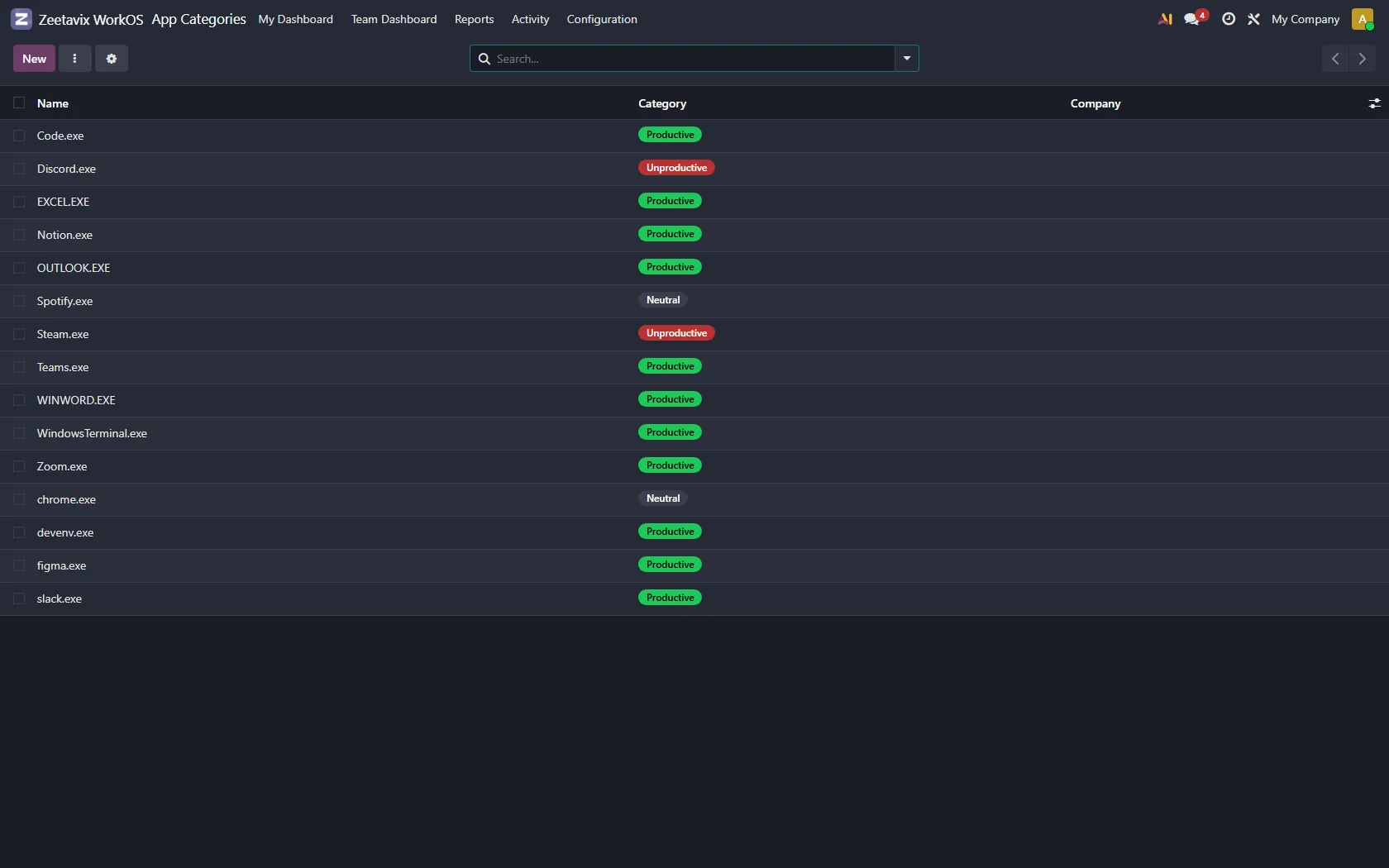
One line per application: productive, neutral, or unproductive. Applications are
matched on the name the operating system reports — Code.exe,
figma.exe — because that is what the agent actually sees.
A starter set ships with the module. We kept it short. A long list of somebody else’s opinions about your tools is worse than a short list of obvious ones.
Classification Rules — the precise one
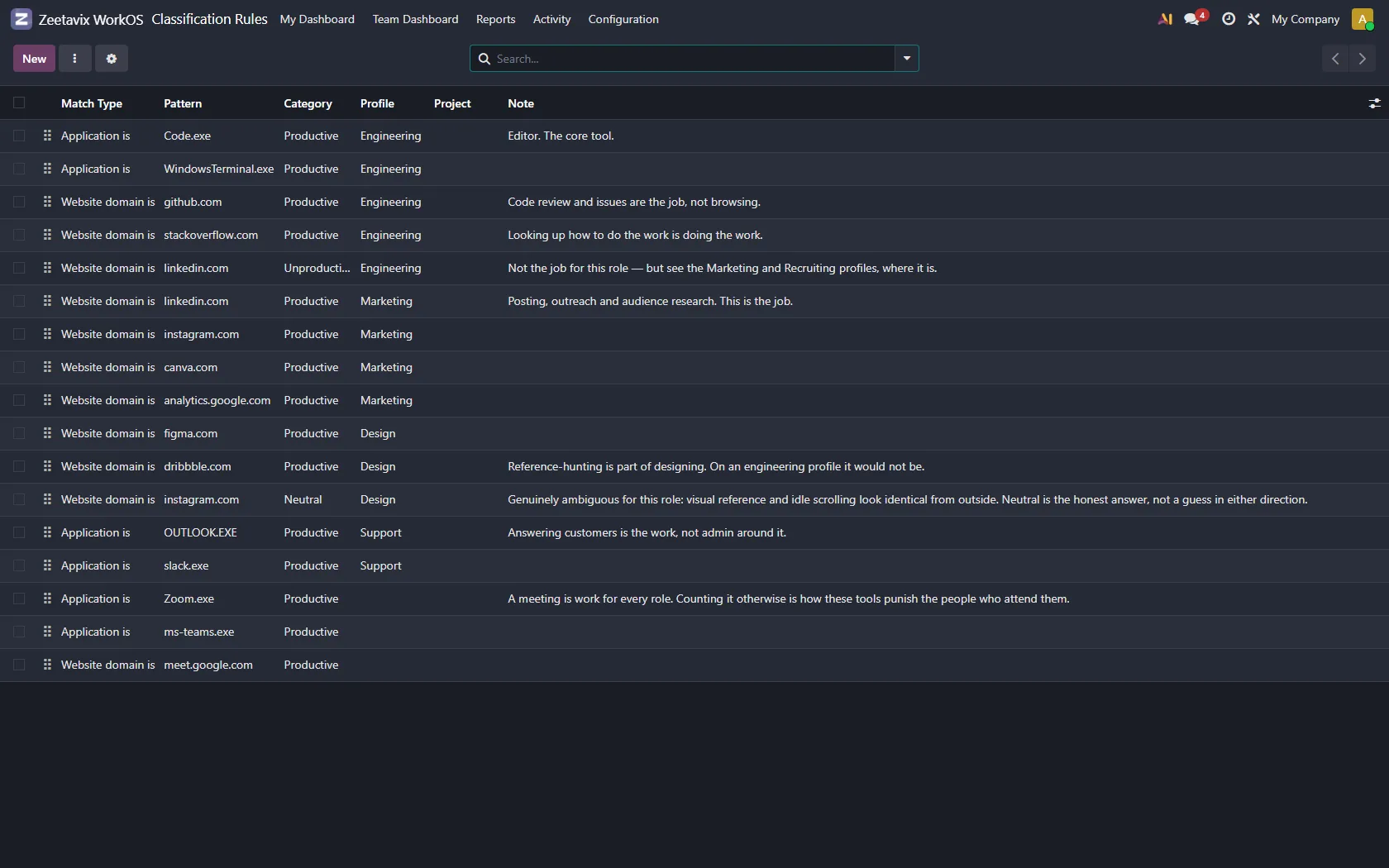
Where a category is too blunt. A rule matches on an application or a domain, in sequence, and can point the time at a project as well as a category.
- github.com is productive for everybody.
- instagram.com is unproductive for engineering and productive for the person running the account — which is exactly why rules are scoped to a work profile.
- A client’s staging domain can book its time straight to that client’s project.
Rules run in order and the first match wins. The order is a column you can drag, not a hidden priority, so “why was this counted that way?” always has an answer you can point at.
Work Profiles — the same app, two jobs
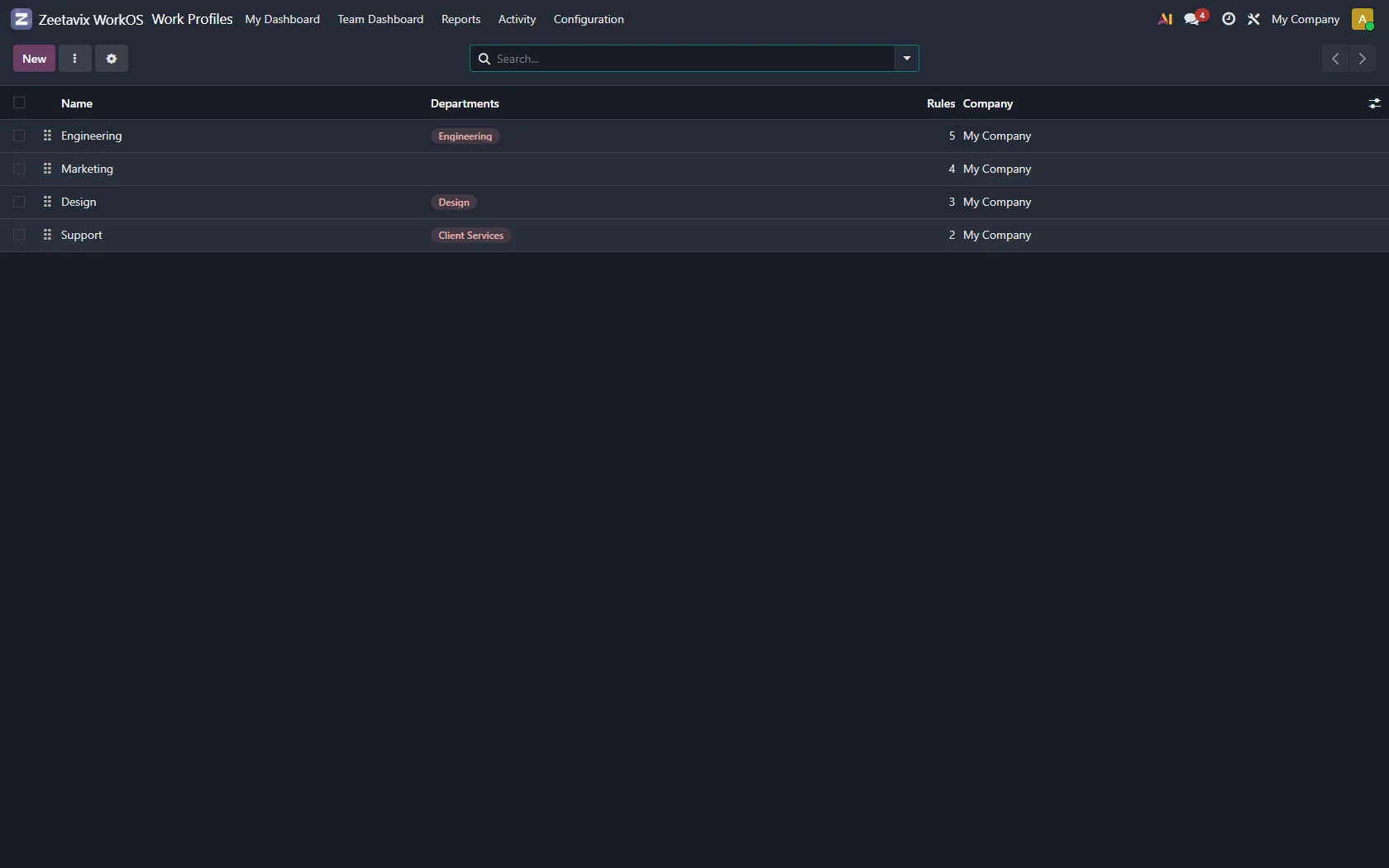
A profile is a named set of rules attached to one or more departments. Design and Engineering do not agree about what Figma means, and neither of them is wrong.
Somebody with no profile falls back to the company-wide rules. Nobody is ever unclassified because an administrator forgot to assign them.
Hourly Rates — the two numbers
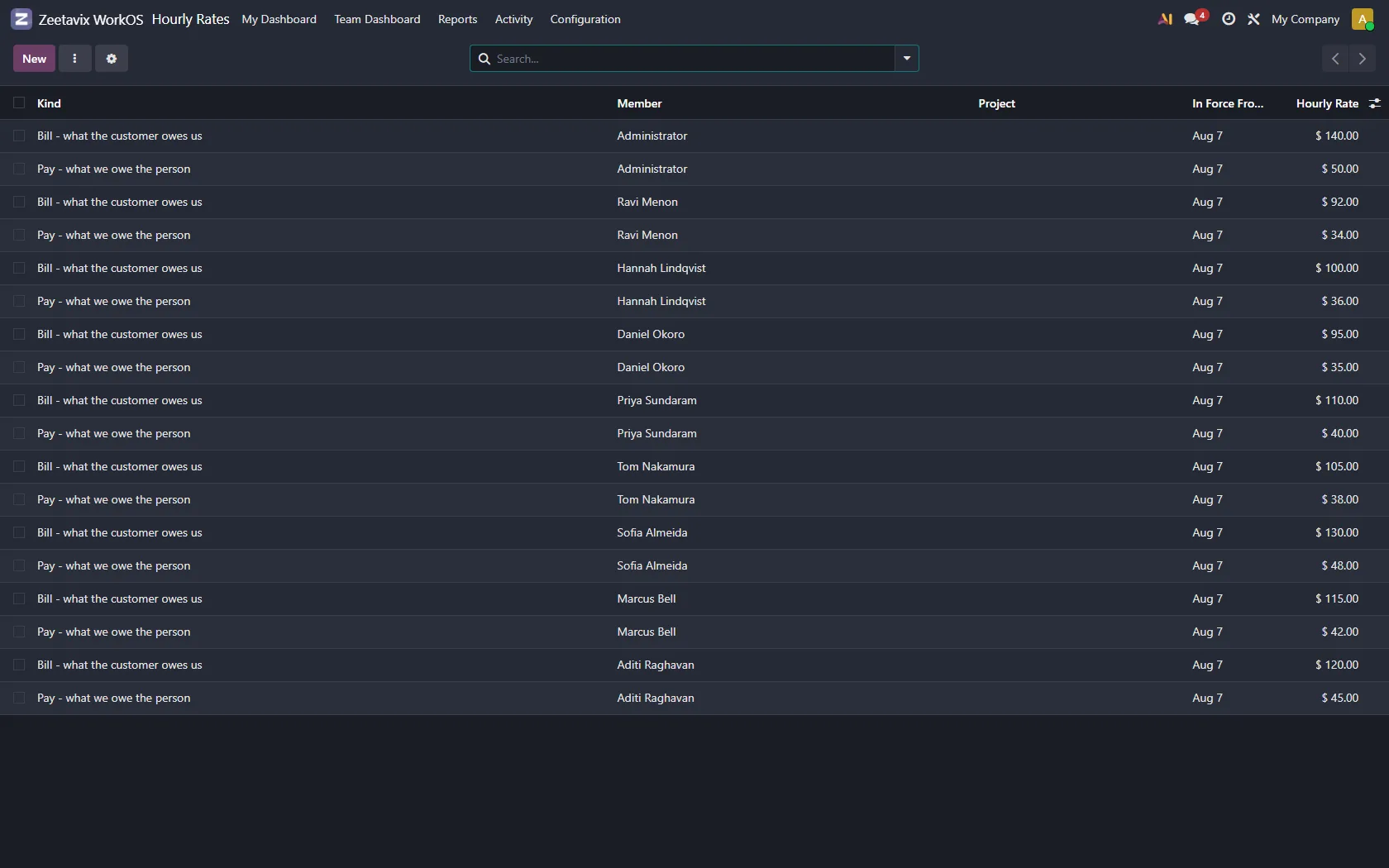
Each person can carry a pay rate and a bill rate, each valid from a date. Rates are historical rather than current, so a raise in March does not change what February cost.
This is what turns hours into the money in chapter five. Without rates, every money screen is honest about having nothing to show.