Windows
ReadyOne file. The tracker and its background agent together.
Download for Windows Installation stepsDownloads
The Zeetavix Odoo module adds automatic Community time tracking to your server; the free desktop time tracker apps go on each person’s machine on Windows, macOS and Linux. Neither one phones home — there is no licence check any more, and nothing to activate. See pricing for the one-time cost and configuration for setup.
One file. The tracker and its background agent together.
Download for Windows Installation stepsOne package. Installs the tracker and its agent to /usr/bin.
The code is written and cross-checked; the build runs on Apple hardware and is not published yet.
Tell me when it’s outOfficial module available on the Odoo Apps Store.
Get on Odoo Apps Store Installation stepsDouble-click the file you downloaded.
A blue “Windows protected your PC” box appears. Click More info, then Run anyway.
Every installer that isn’t code-signed gets this, and ours isn’t yet. It is not a virus warning — Windows is telling you it hasn’t seen this file often enough to vouch for it.
No administrator password. It installs to your own user folder and adds a Start Menu entry.
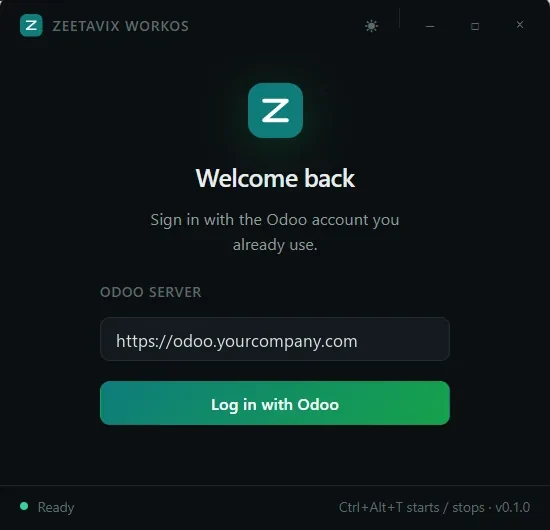
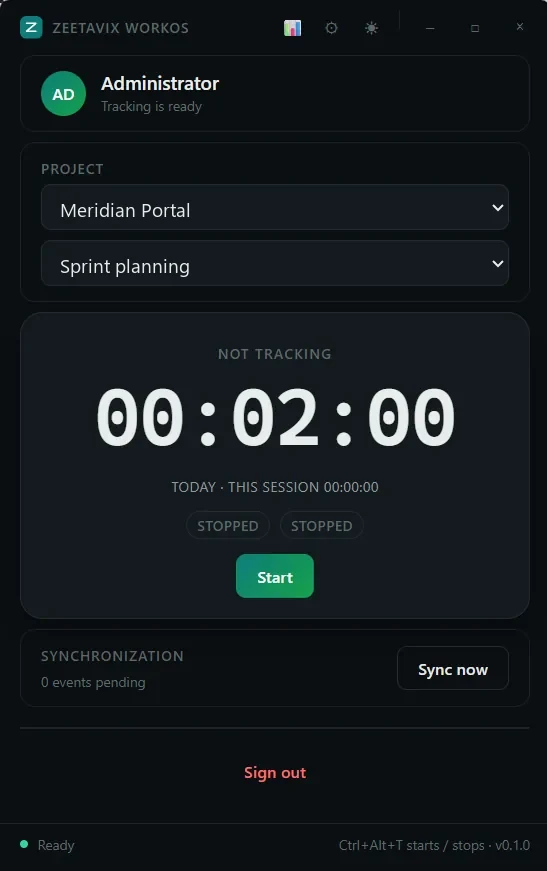
Open the app, enter your Odoo server address, and sign in with the account you already use. No second password and no licence key.
Usually your Downloads folder.
sudo apt install ./zeetavix-workos_0.1.0_amd64.debDouble-clicking works too, but the terminal handles missing libraries for you instead of stopping with an unhelpful message.
Unlike Windows, a .deb installs for everyone on the machine, so
Ubuntu asks. That is how Debian packages work.
Launch Zeetavix WorkOS from your applications, enter your Odoo server address, and sign in.
On Wayland — Ubuntu’s default since 21.04 — window titles and idle detection are unavailable. Wayland does not let one app ask what another app’s window is called, by design. Hours, screenshots and projects all work; log in with Ubuntu on Xorg at the login screen for the full picture.
Then install Zeetavix WorkOS from Apps.
The desktop app opens your browser, you approve it in Odoo, and that machine is linked to your employee record. If you work in more than one company, it asks which one — and it cannot be moved afterwards.
Stuck on any of it, mail support@zeetavix.com — a real person reads it.