Guide · Chapter 8
The report that arrives on its own
The screens are there when you go and look. Most weeks nobody goes and looks.
A schedule sends one of the product’s own reports, built by the same code the screen uses. The mail and the dashboard cannot disagree about the same week.
What each one carries
- Which report — any of the screens in this guide.
- How often — daily, weekly on a chosen day, or monthly on a chosen date. The date is clamped to the length of the month, so a schedule set to the 31st still sends in February rather than skipping it.
- What period it covers — by default the one that has just finished, which is the only period a report can be complete about.
- Who gets it, optionally narrowed to one department.
- Attachments — PDF, CSV, or both.
The hour is in the owner’s own timezone. A report that lands at 3am local gets opened at noon with everything else, which usually means not at all.
Skip when empty
A daily flags report with nothing to flag should not send. Leave it on and people learn the mail means nothing, and then the one that does matter gets archived with the rest.
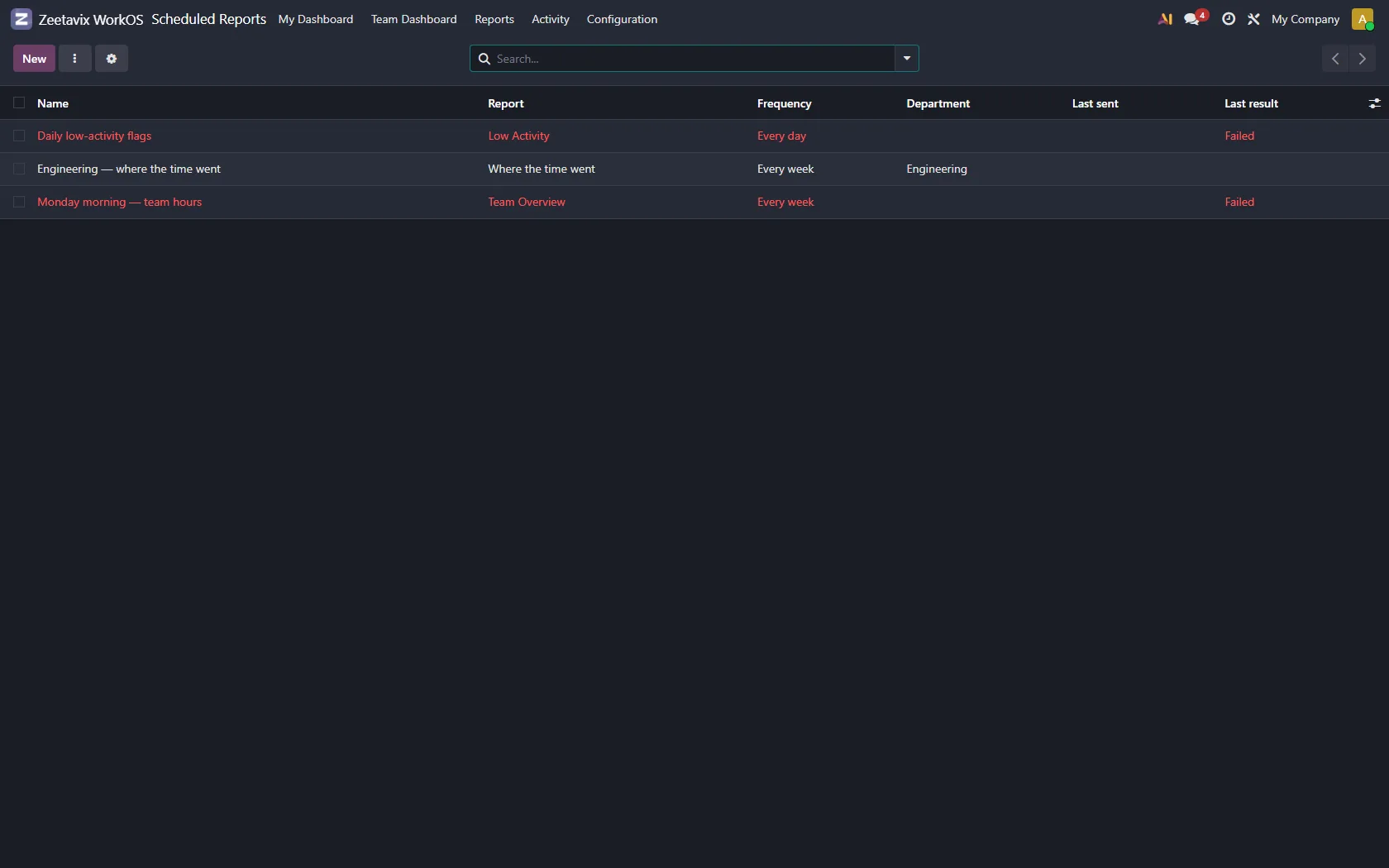
It tells you whether it worked
Each schedule records when it last sent, how many times it has sent, and whether the last attempt worked, with the error if it did not. A scheduled report that has been failing quietly for three weeks is worse than no scheduled report at all.