Guide · Chapter 4
The reports
Nine screens, all reading the same events. Which one you want depends on whether the question is how much, when, or on what.
Every report shares one range control, and one piece of code behind it, so “last week” means the same thing on all of them. Every one exports to Excel, PDF and CSV, rebuilding its columns from the method the screen used. A file cannot contain something the screen would have withheld.
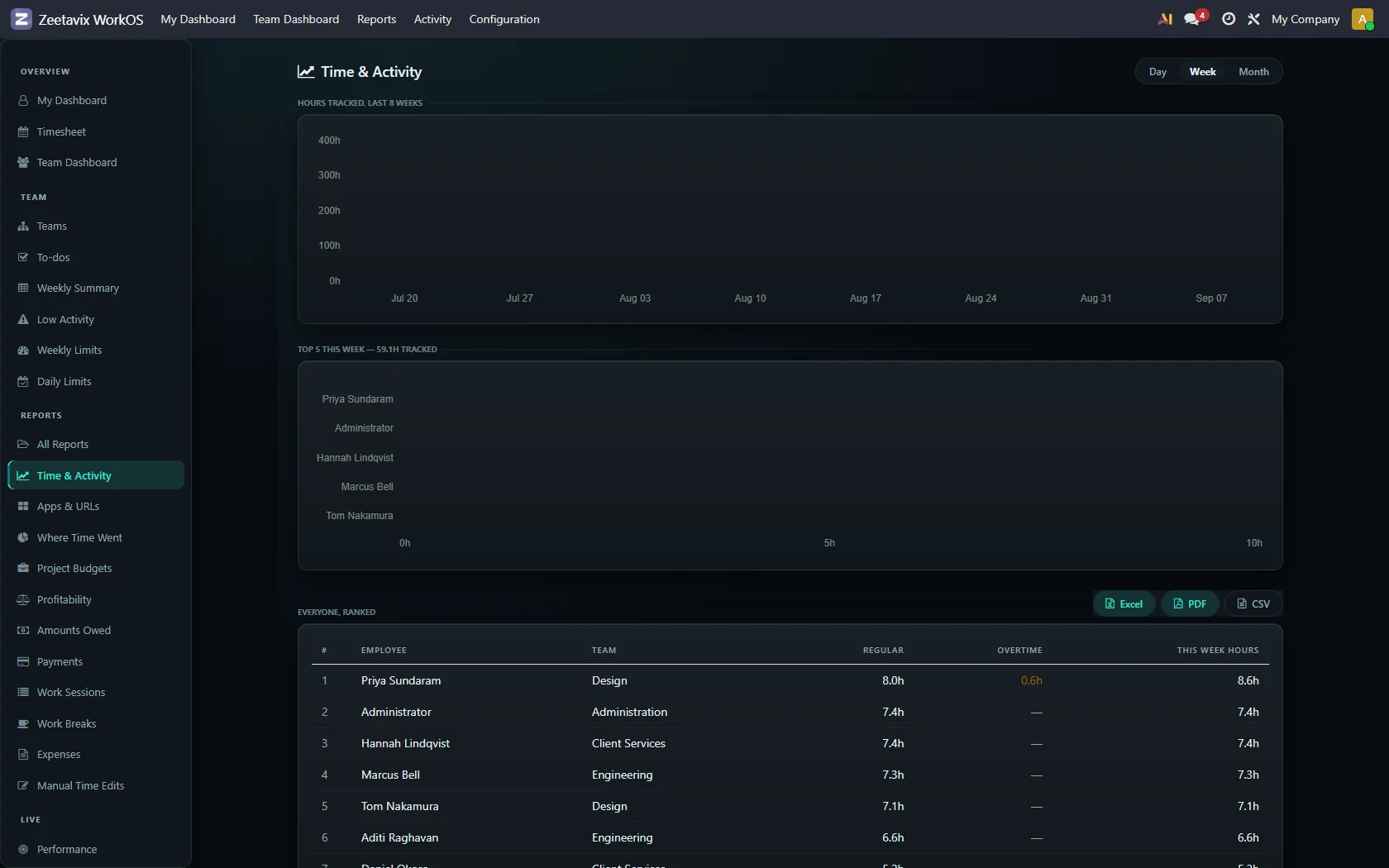
Time & Activity — how much, and how engaged
The default answer to “what did this team do last week”. Hours per person, activity alongside, and the sessions that make up the total.
Timeline — when
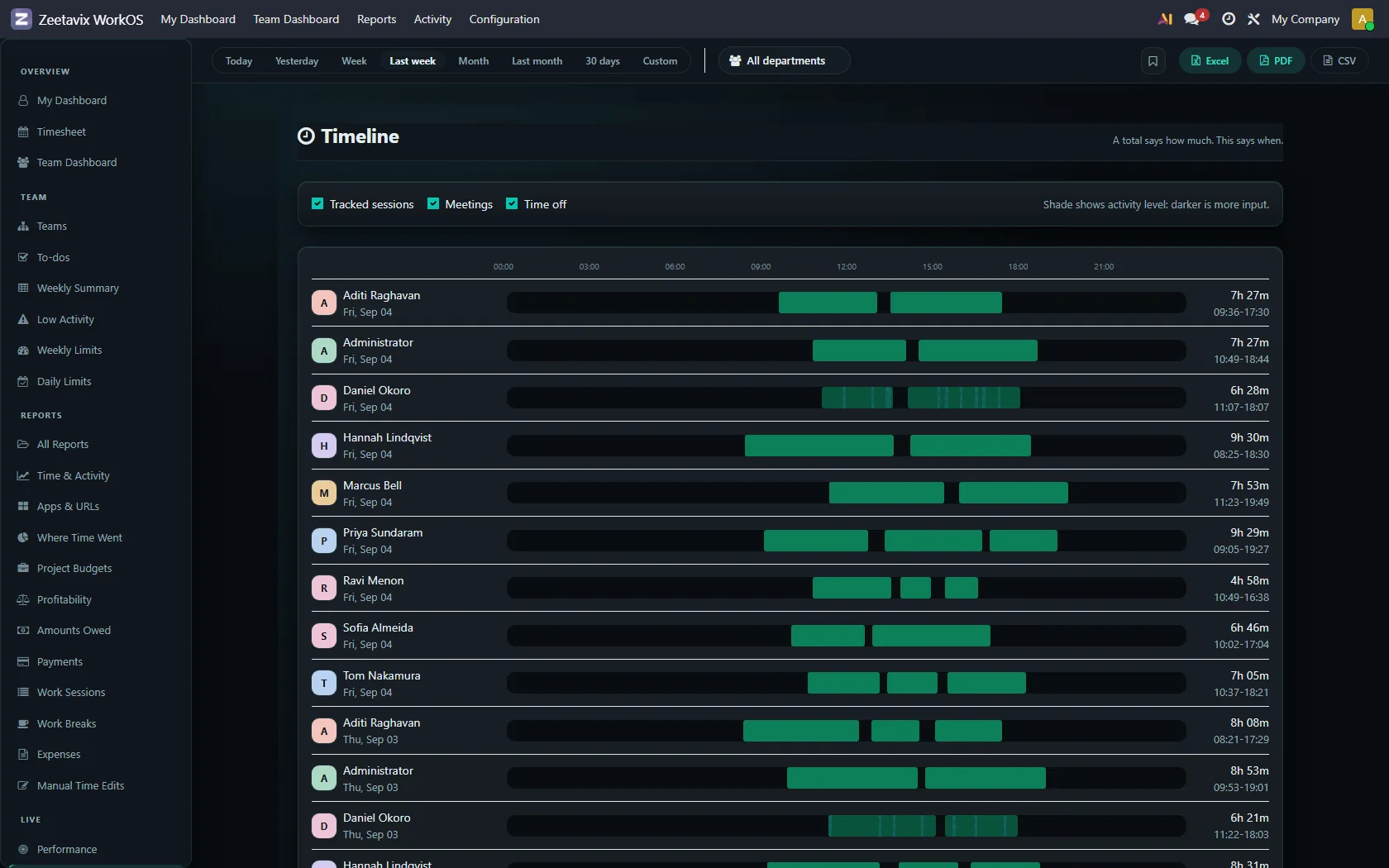
A total says how much. This says when. One row per person per day, meetings and time off overlaid on the same axis, and the shade of each block showing how much input the machine saw — darker is more.
It answers the questions a timesheet cannot. Was the afternoon one block or six? Were the two people on that job ever working at the same time? Did the person who logged eight hours start at seven, or at eleven?
Work Sessions — the raw list
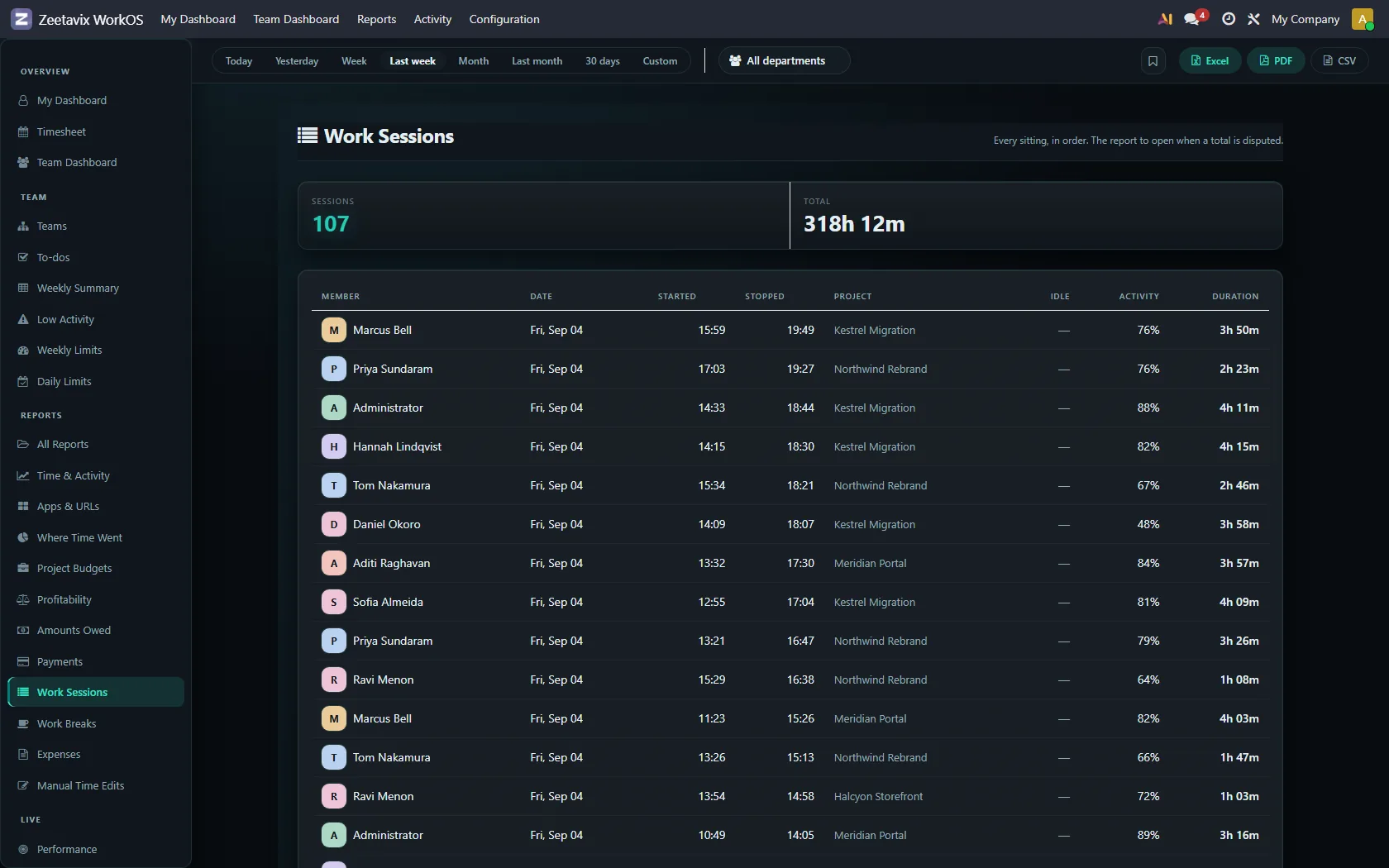
Every sitting: who, when, which project, how long, how active. This is the evidence trail. When somebody disputes a figure on another screen, this is where the argument gets settled.
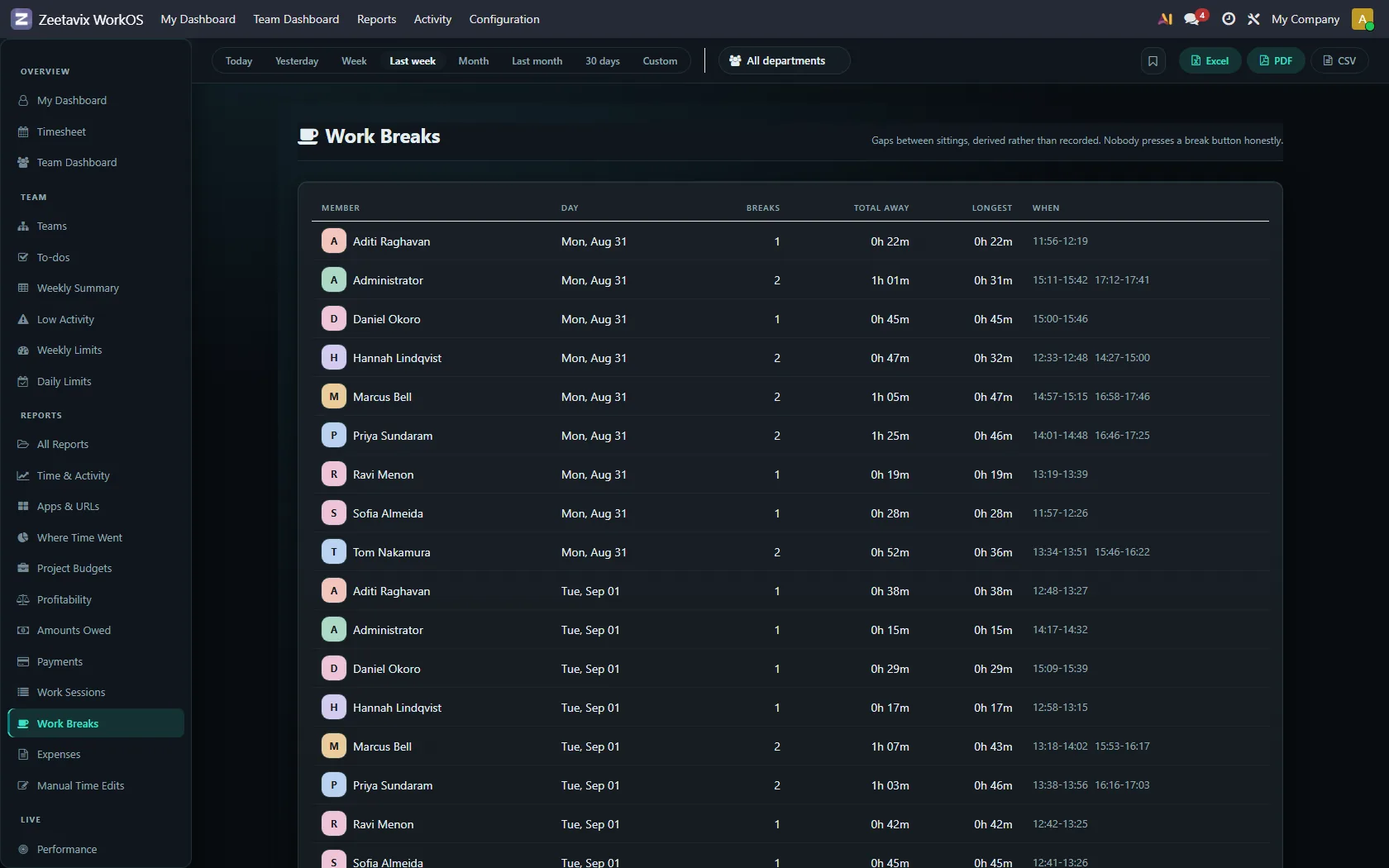
Work Breaks — derived, never punched
Nobody presses a break button, so breaks are worked out: a gap between two sittings that is long enough to be a break and short enough not to be the end of the day. One row per person per day, with the count, the total and the longest.
People are entitled to breaks. A screen that ranked them by how few they took would be a screen for punishing rest, so it does not rank. It reports.
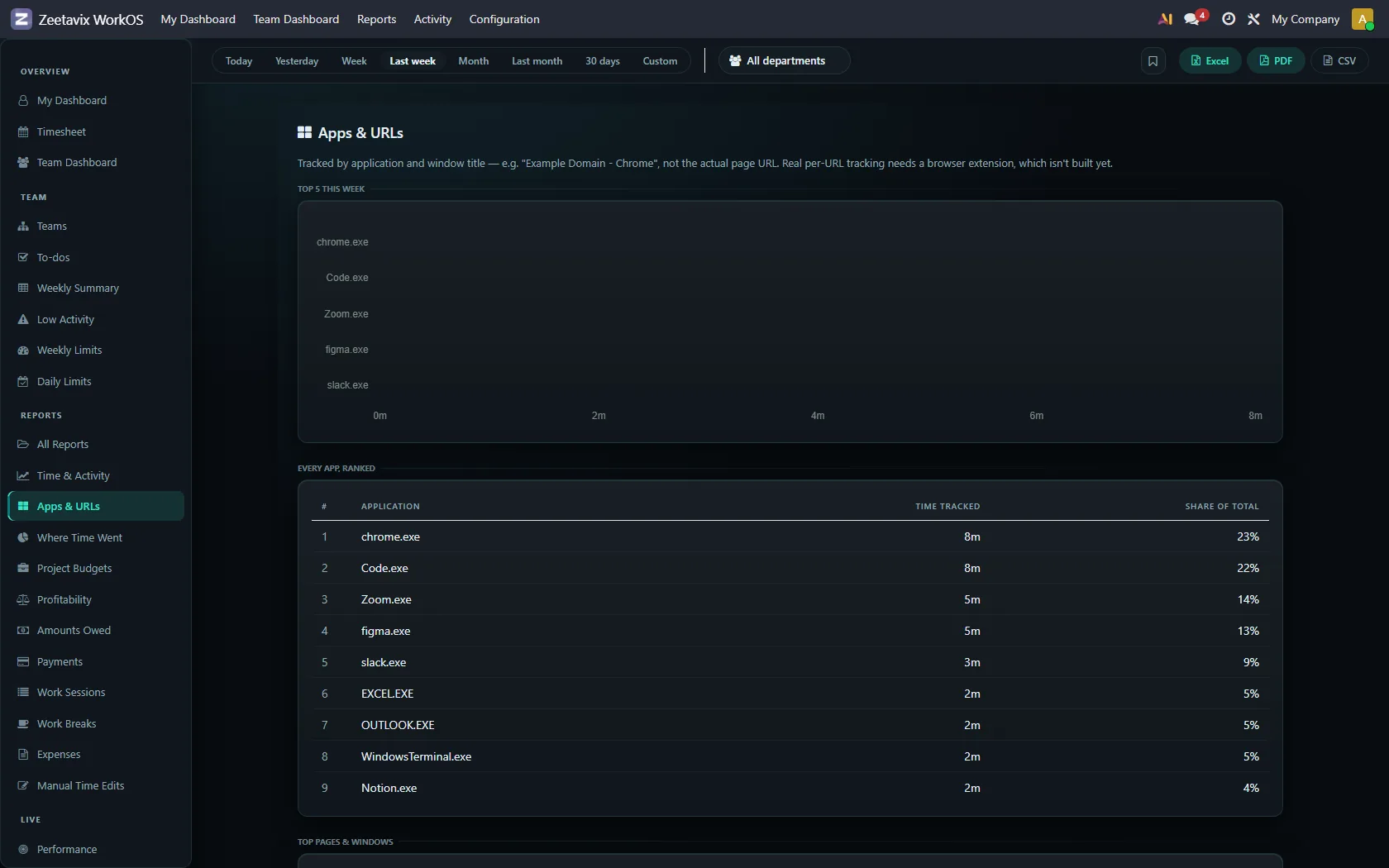
Apps & URLs, and Where The Time Went
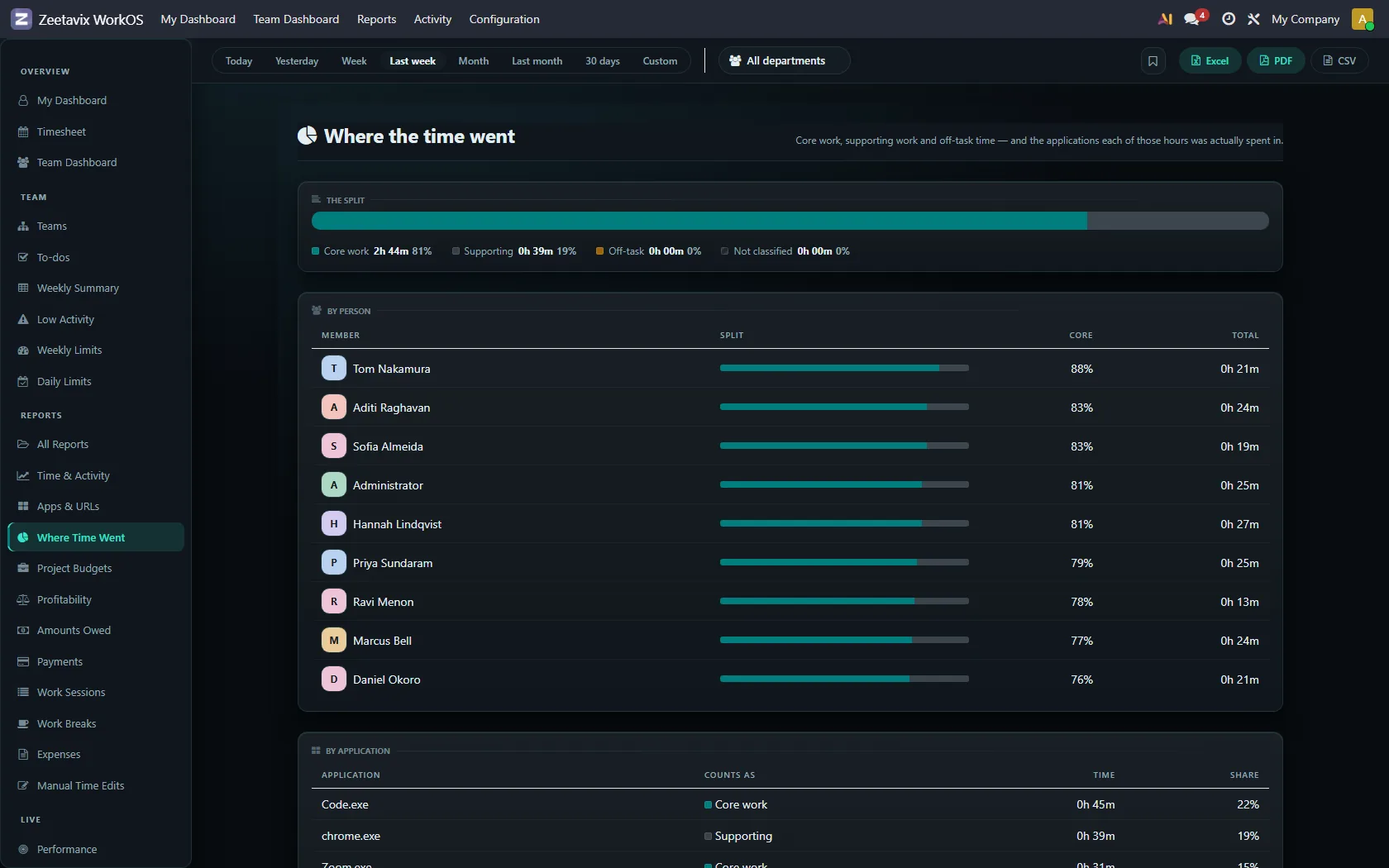
Two views of the same question. Apps & URLs lists the applications and sites, with the time in each. Where The Time Went rolls those up into productive, neutral and unproductive using your own classification rules — which are yours to write, under Configuration, and which start from a small sensible default set.
Anything with no rule is Unclassified, and says so rather than being quietly counted as one thing or the other.
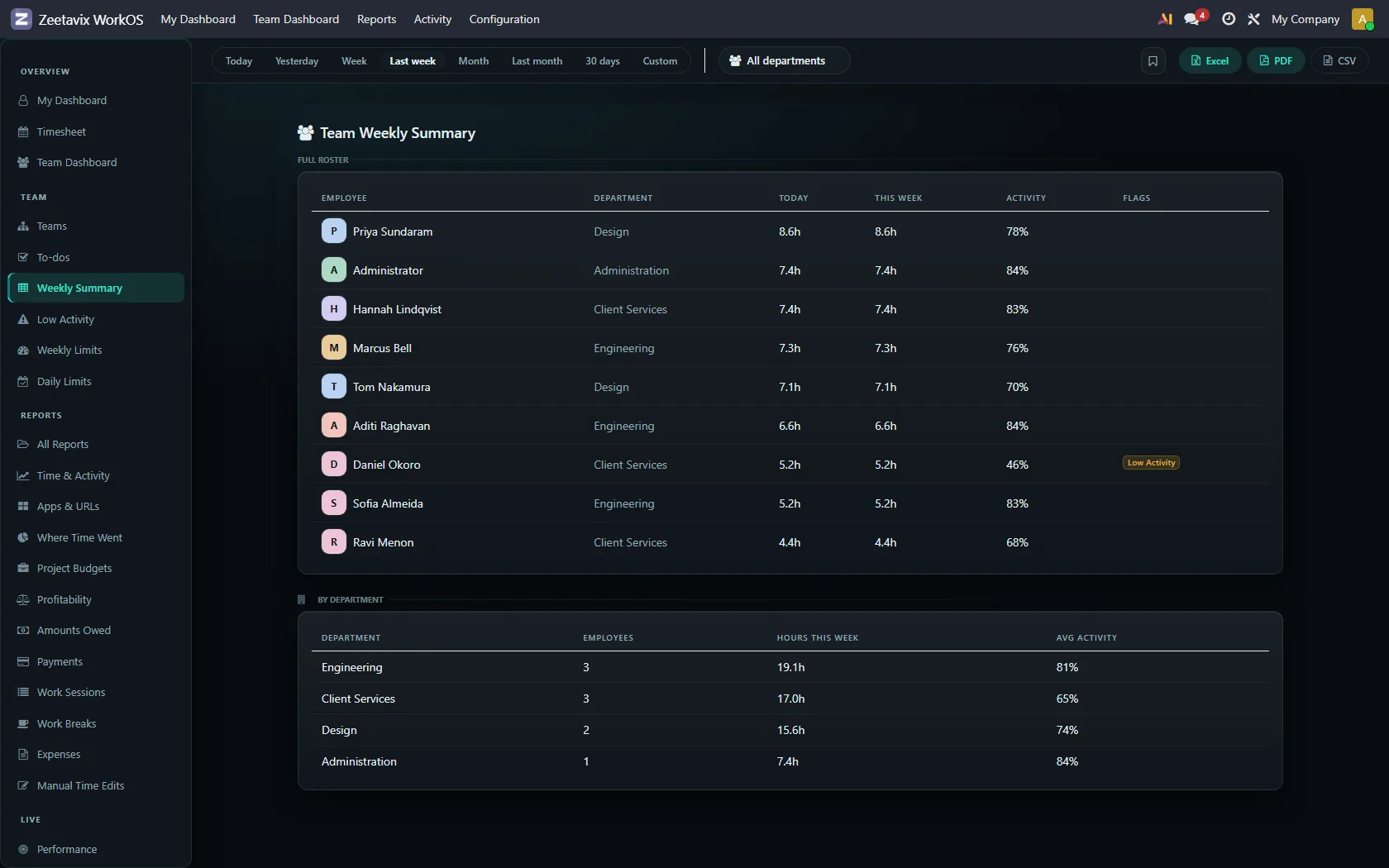
Weekly Summary, Weekly Limits, Daily Limits
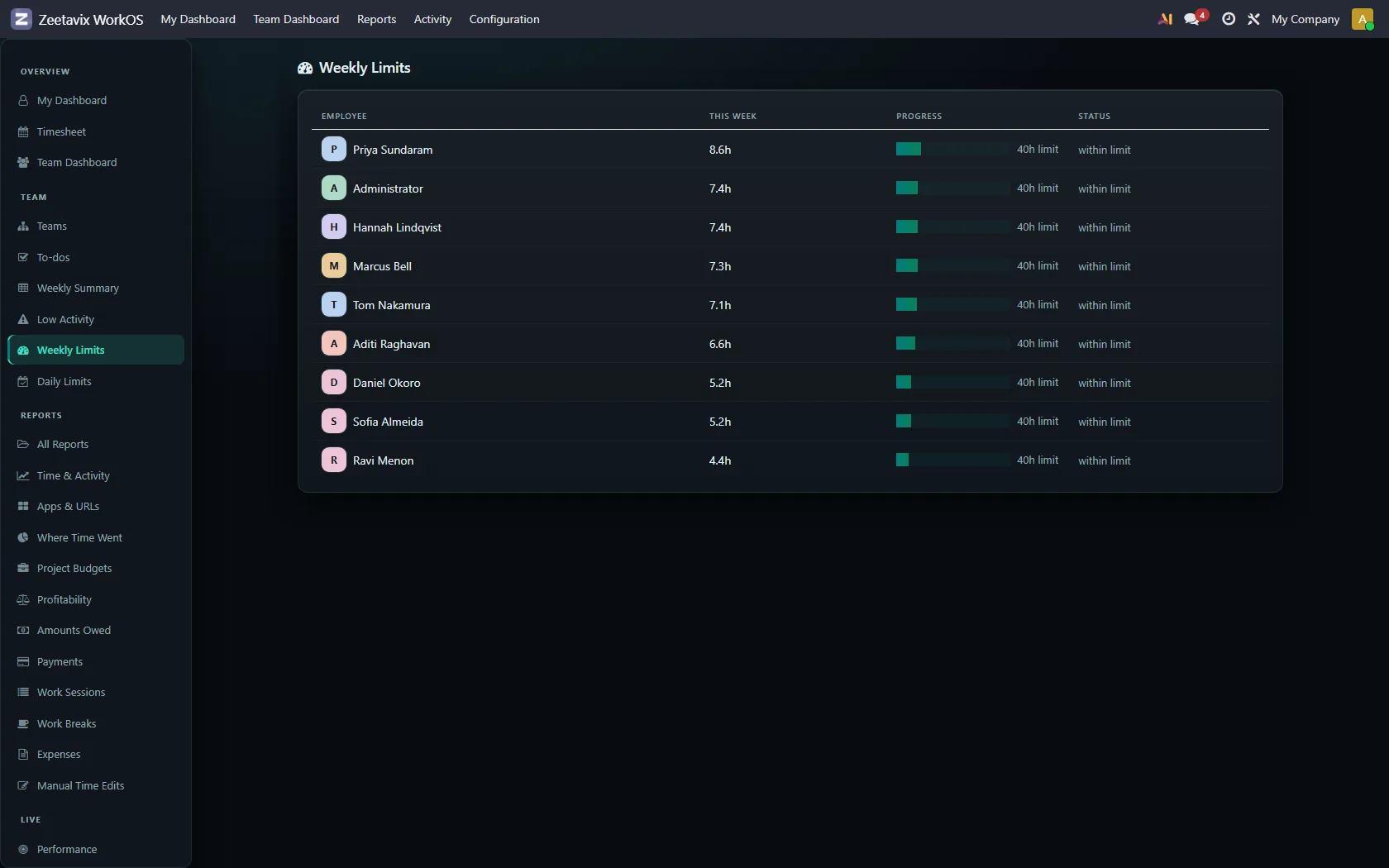
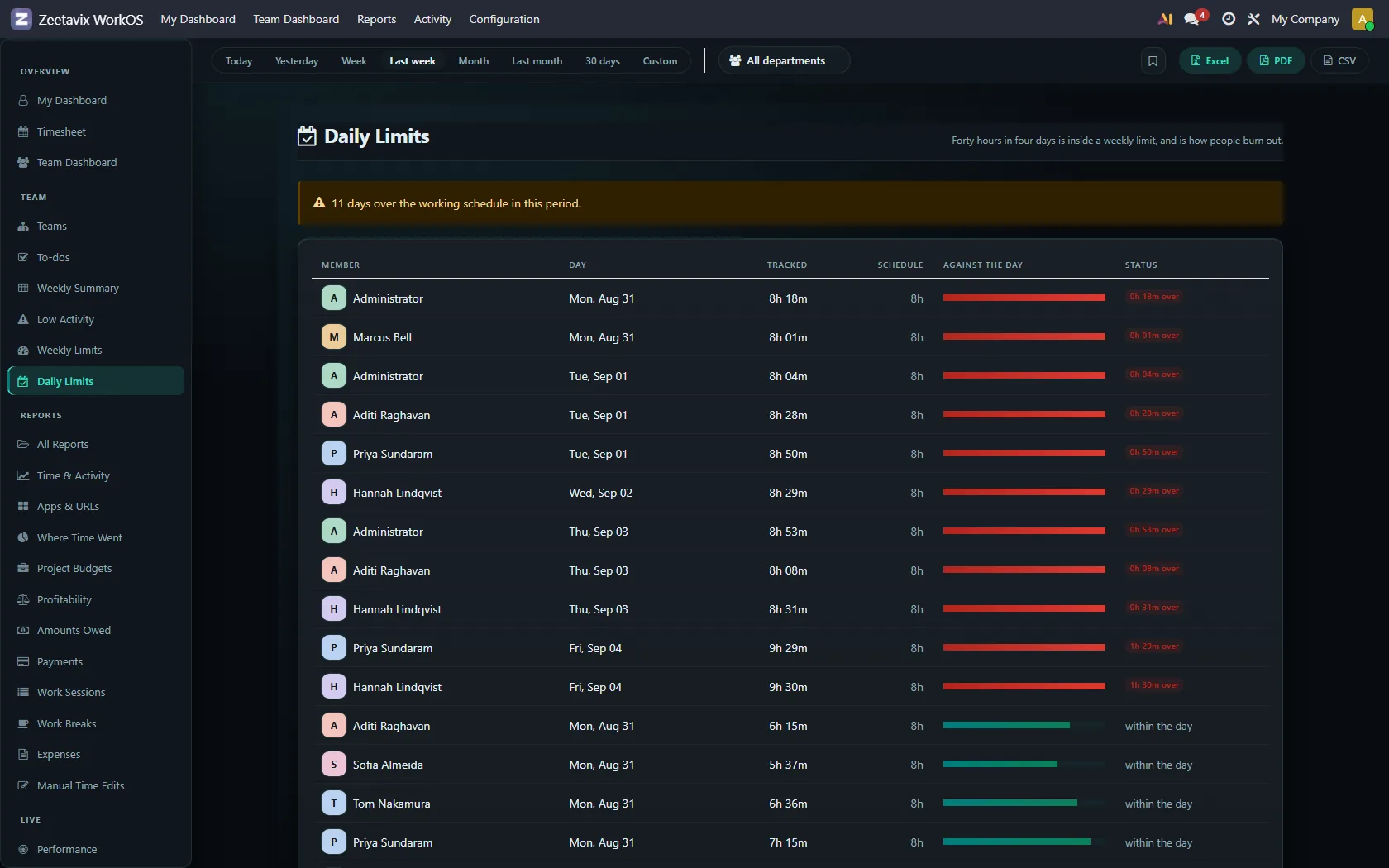
Three screens for watching load rather than output. Weekly Summary is one line per person for the week with their flags. The two limit screens compare what was tracked against the caps you set, per week and per day, so somebody quietly working sixty-hour weeks shows up before they burn out rather than after.
Manual Time Edits — the audit trail
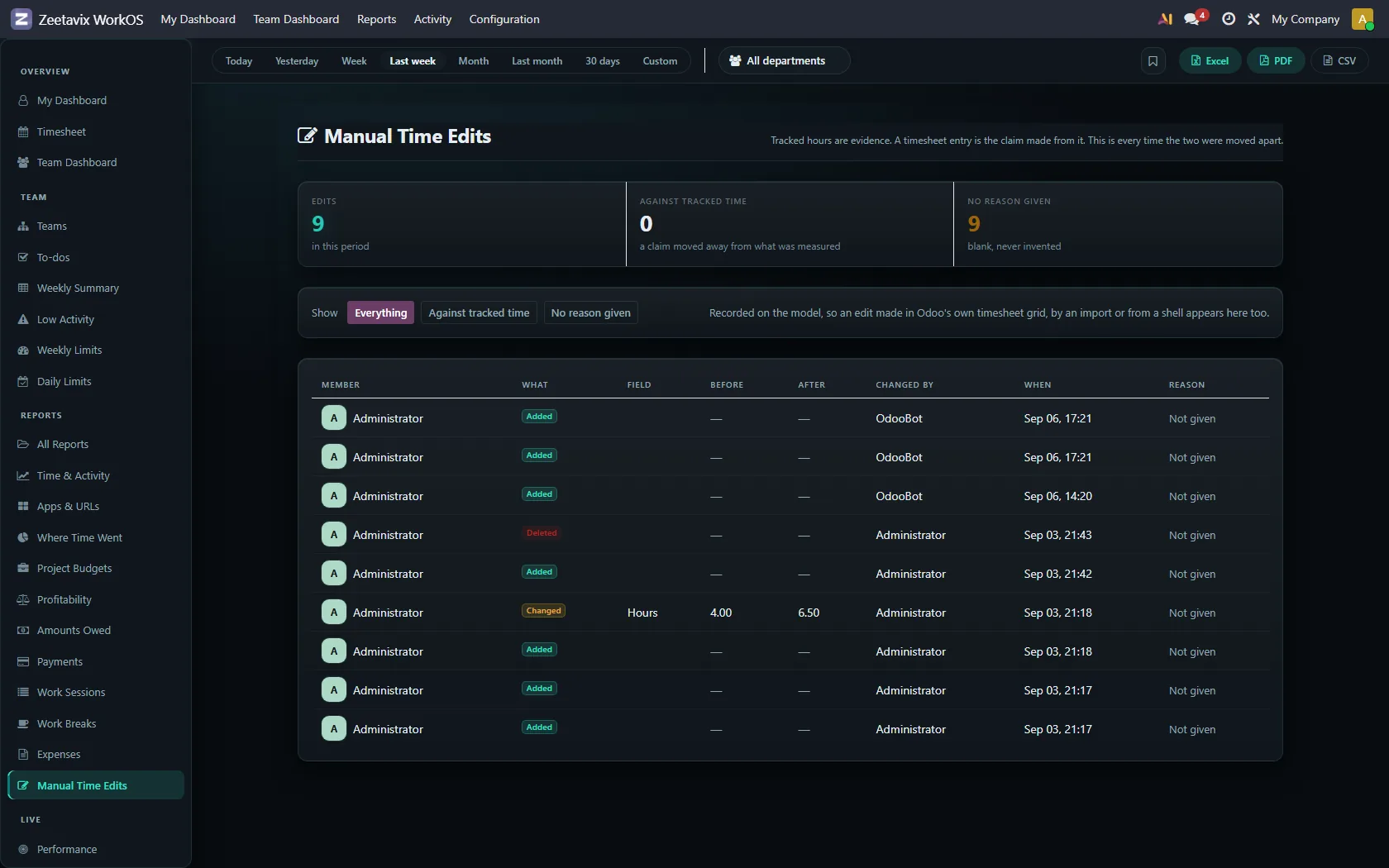
Every hand-edited entry: who changed it, when, and from what to what. Automatic tracking is only trusted because you can check it, and an edit nobody can see undoes that.
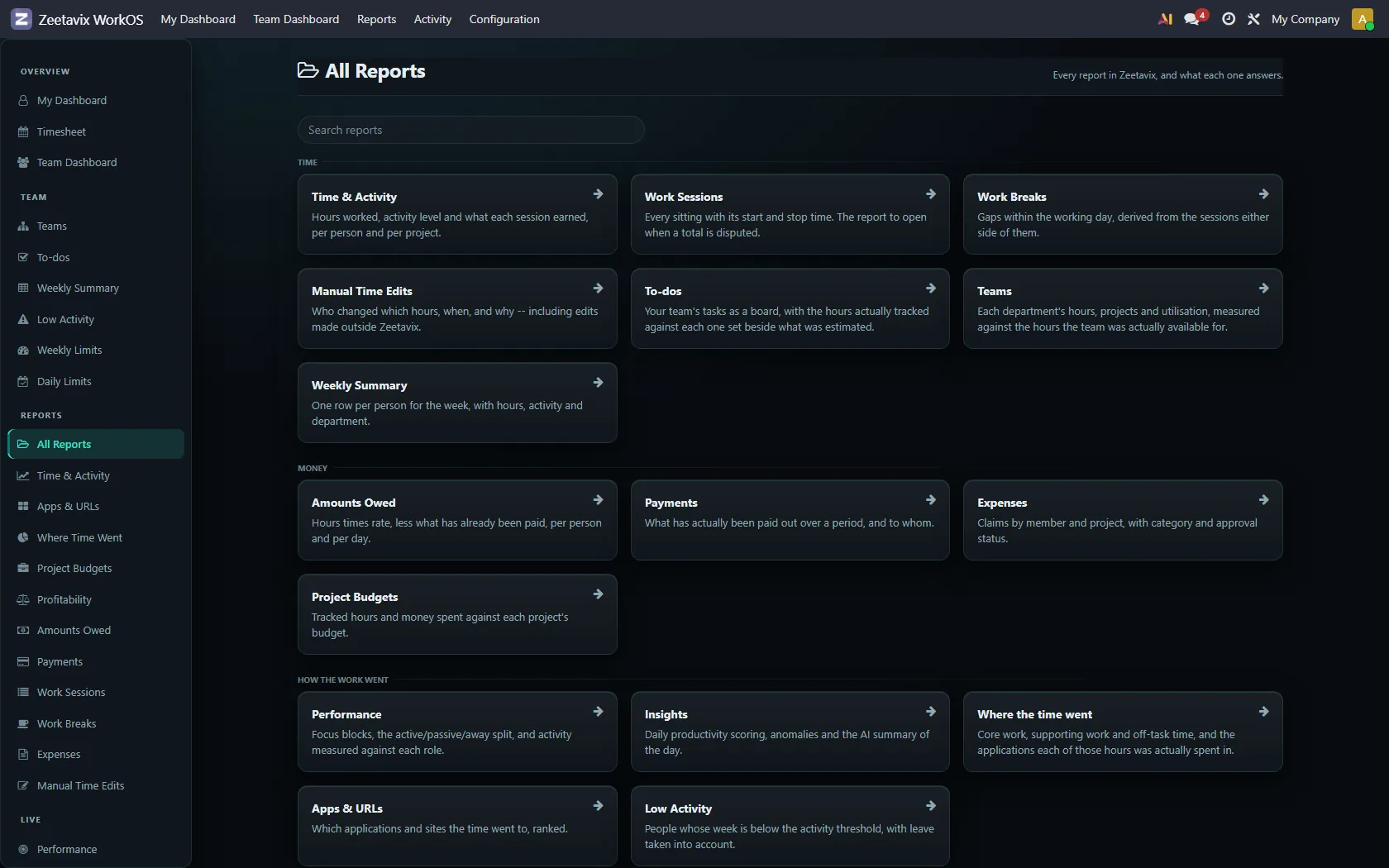
All Reports
The index. Every screen in the product, with a line on what it answers and who can see it — useful on day one, and useful again when somebody asks a question you have not had to answer before.